See exactly why a resume fits the job.
If skimming resumes still leaves you guessing, upload in one click—every score links to the evidence.
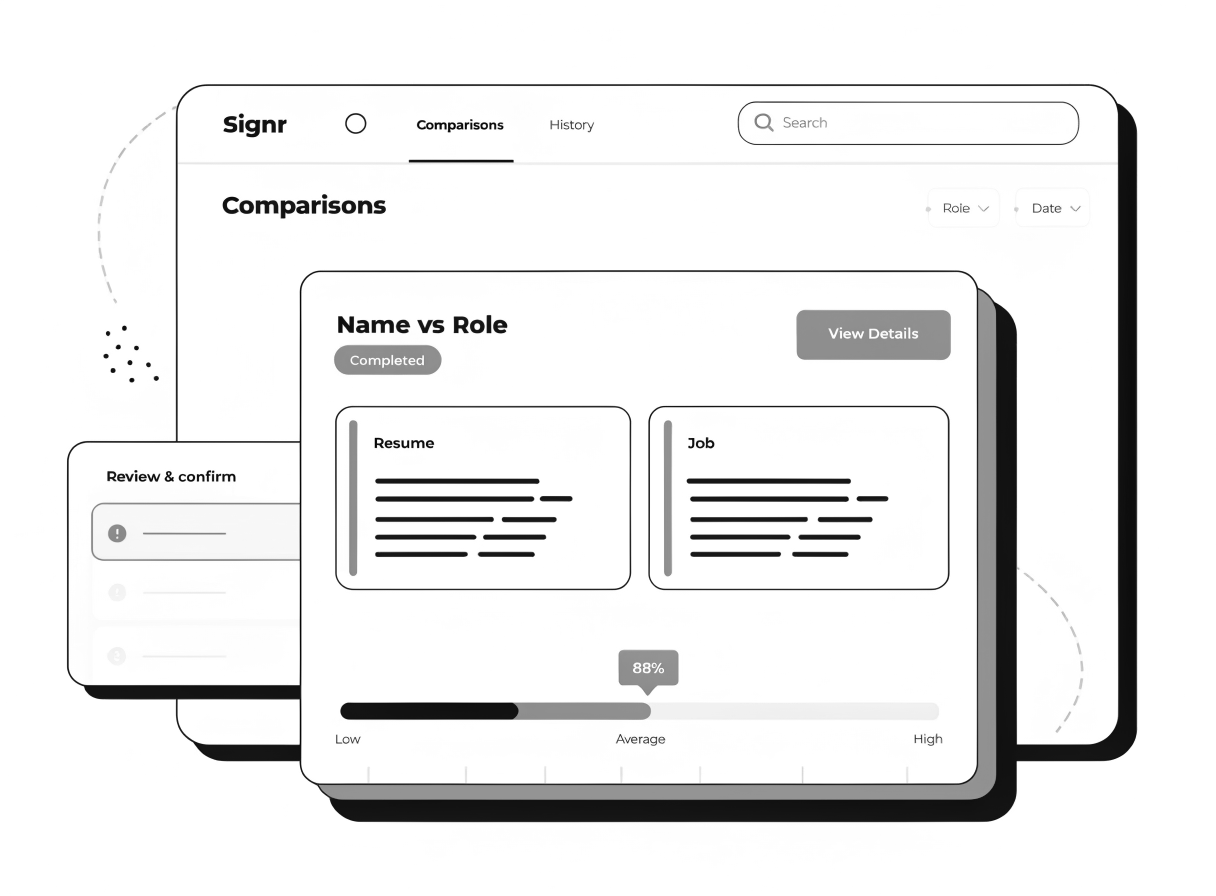
See proof behind every score.
See the bullet, sentence, or keyword that triggered each score.
See must-haves, risks, and deal-breakers in one quick review.
Compare a resume to the role and spot gaps right away.
Get a match score right away.
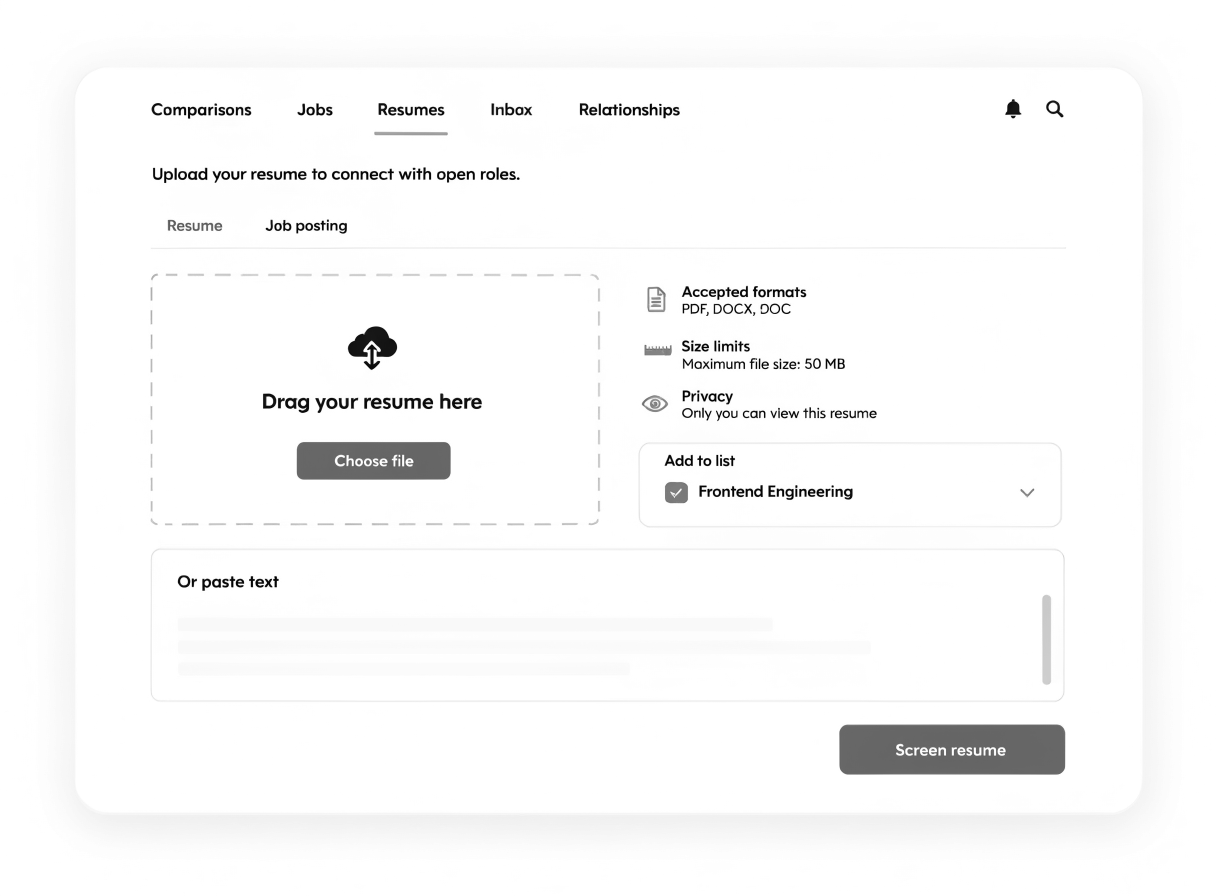
Upload one resume and see the score, match reasons, and extracted fields on the page.
- Start with one upload, not a long setup.
- See if a resume deserves a closer look.
- Read extracted fields without scanning the whole resume.
- Open the full review when you want proof.
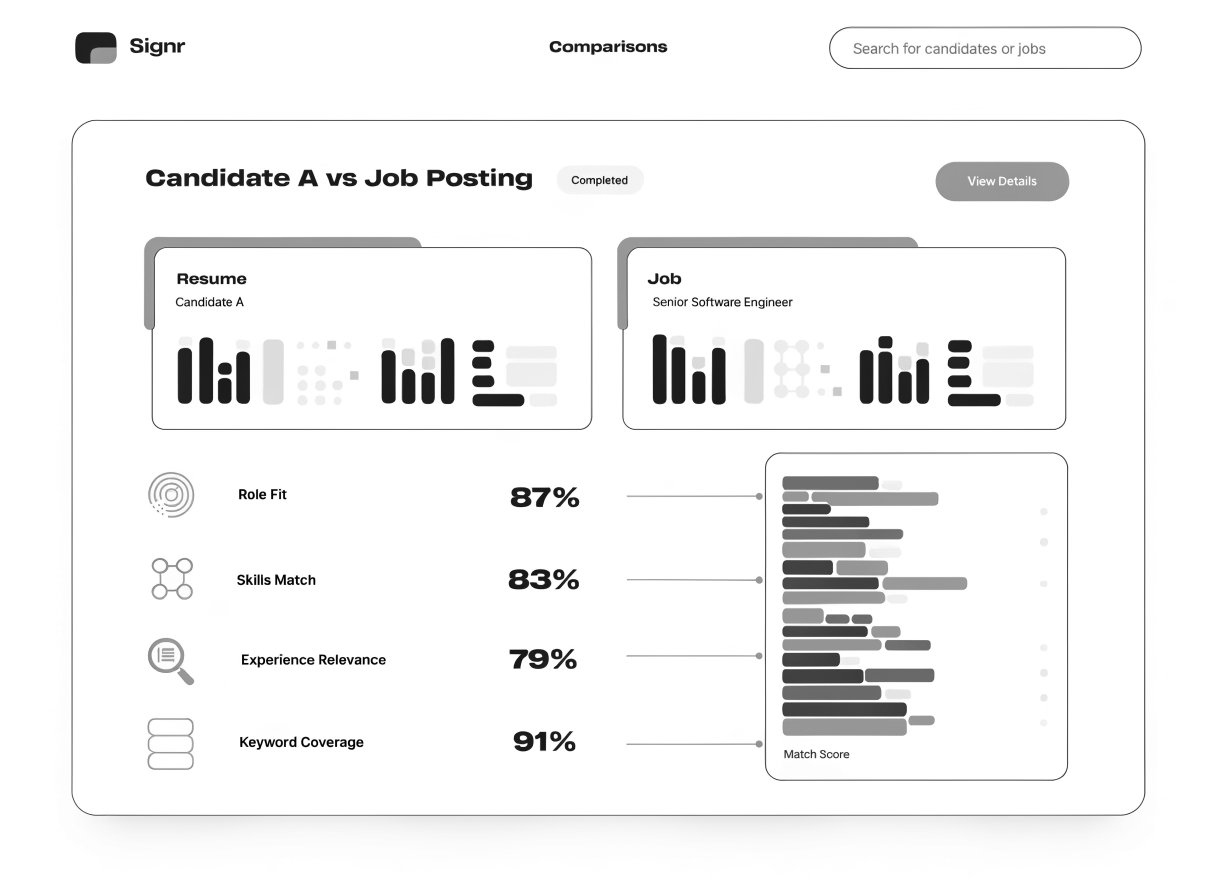
See what drove each score.
Every score links to the exact skill, phrase, or gap found in the resume, right on the page.
- Must-haves show where each match was found.
- Risks highlight weak evidence or missing detail.
- Deal-breakers surface before you book an interview.
- Each gap maps back to the job requirement it missed.
See three ways to move faster after screening.
Verify your profile, open LinkedIn pages in Signr, or send a direct message right on the page.
Verify your LinkedIn profile
Prove you control the LinkedIn profile you claim, so people trust who they're talking to.
Open LinkedIn pages in Signr
See profiles, company pages, and job posts right on the page without a LinkedIn login.
Message candidates directly
Send a direct message from LinkedIn or the web without InMail credits or platform fees.
See what the role really requires.
Know which candidates fit before you read every resume. Paste the job, and Signr turns it into clear requirements right on the page.
- Paste the job description.
- Signr pulls out must-haves, skills, and role details.
- Pick any resume to compare.
- See where the resume fits or falls short.
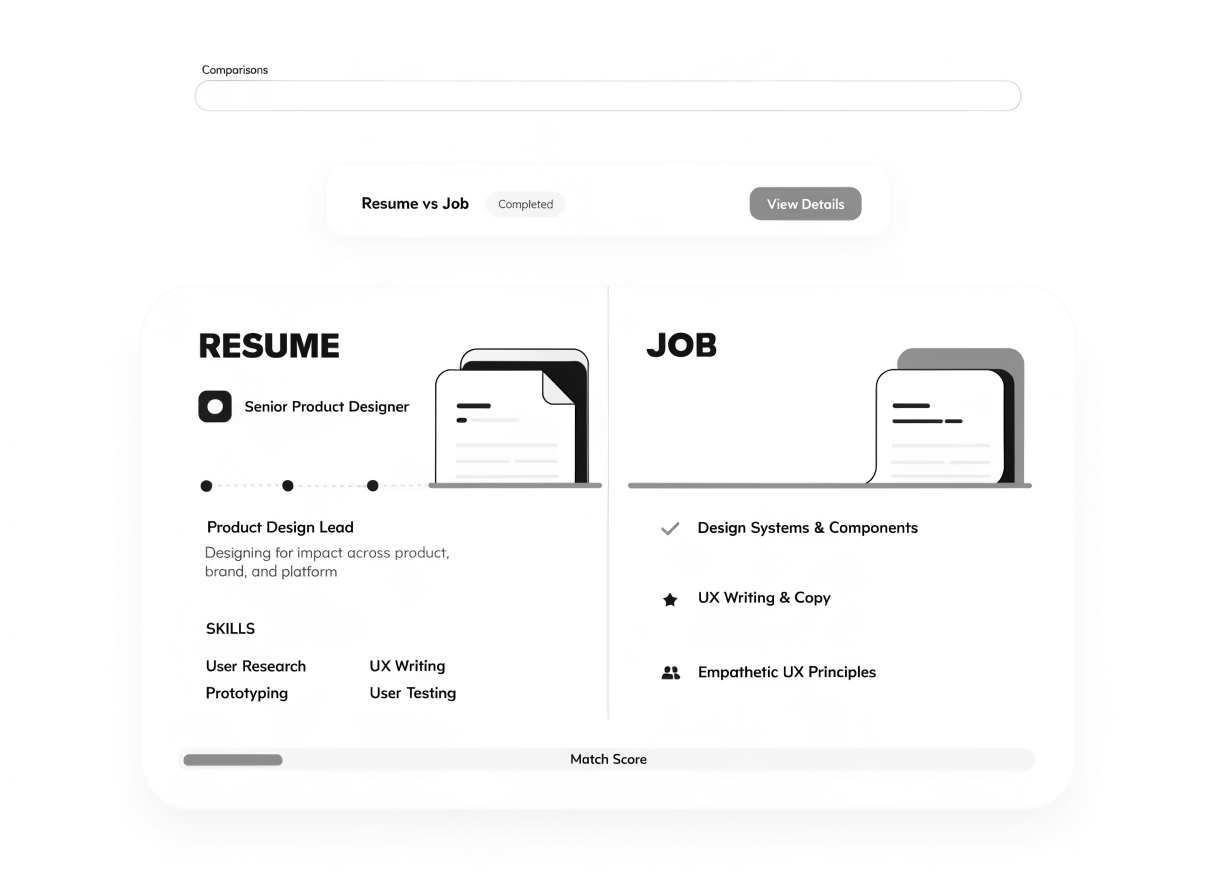
Get proof before you shortlist.
Upload a resume to see must-haves, risks, and deal-breakers before you decide.