Verify your LinkedIn profile.
See a verified badge on the LinkedIn profile you control so recruiters trust you before the first message.
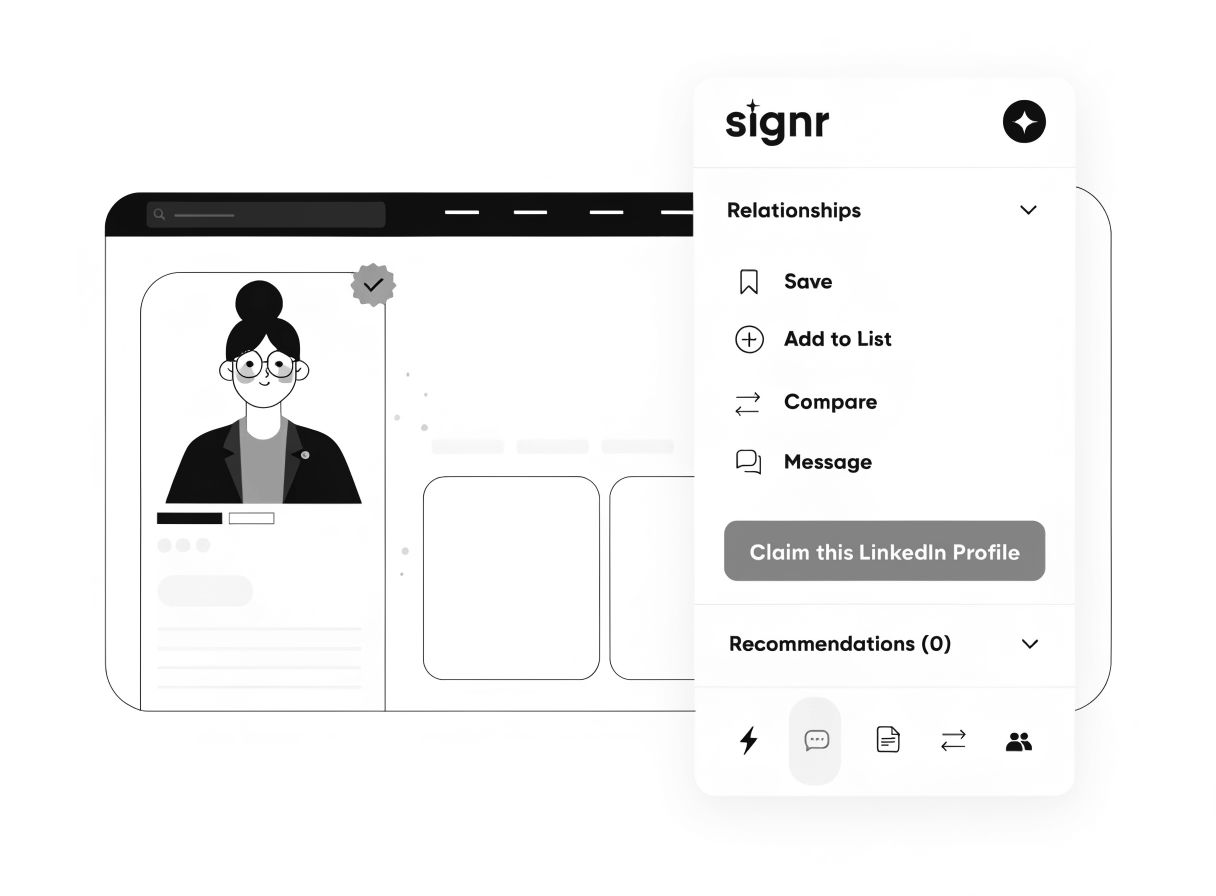
See who owns the profile before you message.
You see the verified badge without leaving LinkedIn.
Verification proves the person controls that exact profile.
Less identity doubt means conversations start sooner.
Verify your LinkedIn profile in three steps.
When people doubt who's behind a profile, messages stall. Use the extension to prove you control yours in three quick steps.
- Open the Signr extension on your LinkedIn profile.
- Click Verify and confirm you control the page.
- See your verified status right on the page—no tab-switching.
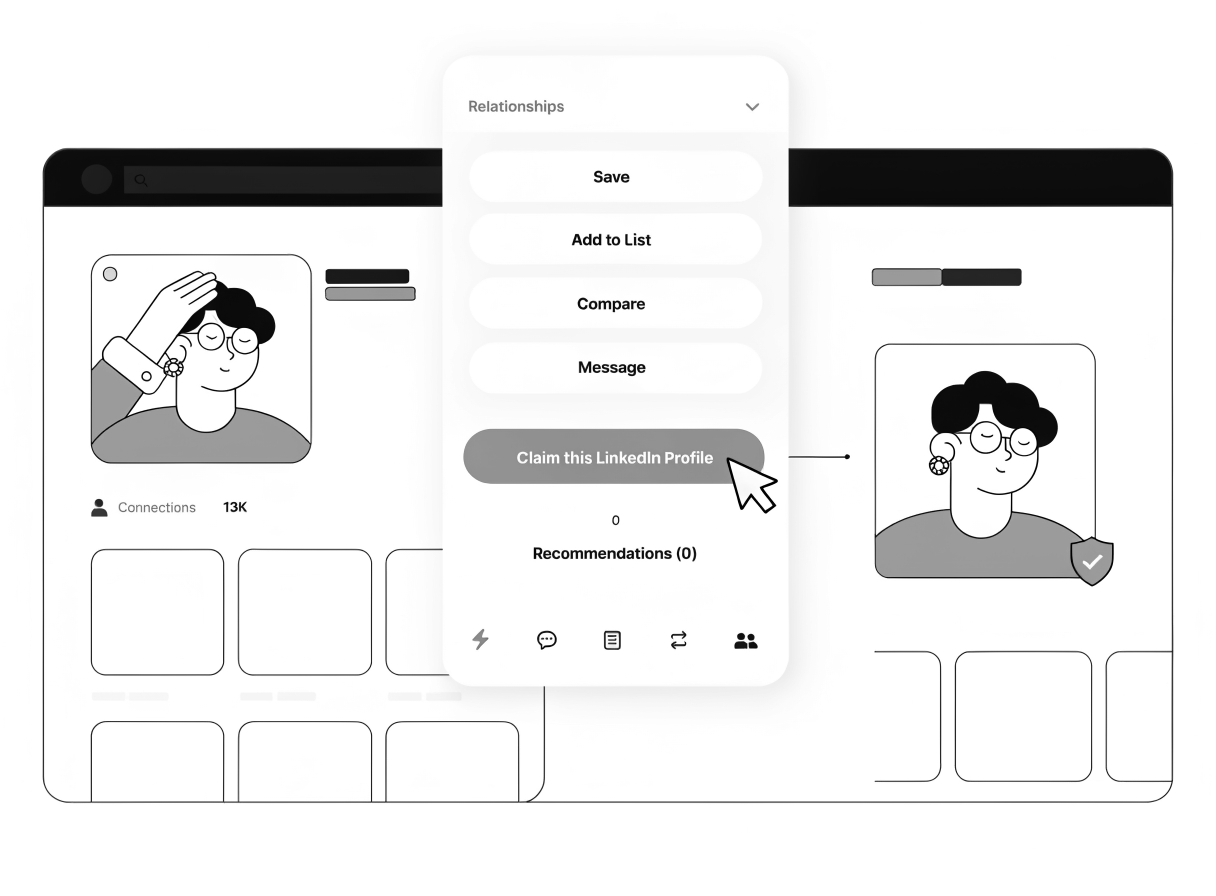
Cut doubt before screening starts.
When recruiters second-guess a profile, replies slow down. Verification shows you control the profile right on the page, so they trust you faster.
- Show your verified status right on the profile.
- Skip identity checks before screening.
- Help recruiters reply sooner with less doubt.
- Keep early review focused on your fit.
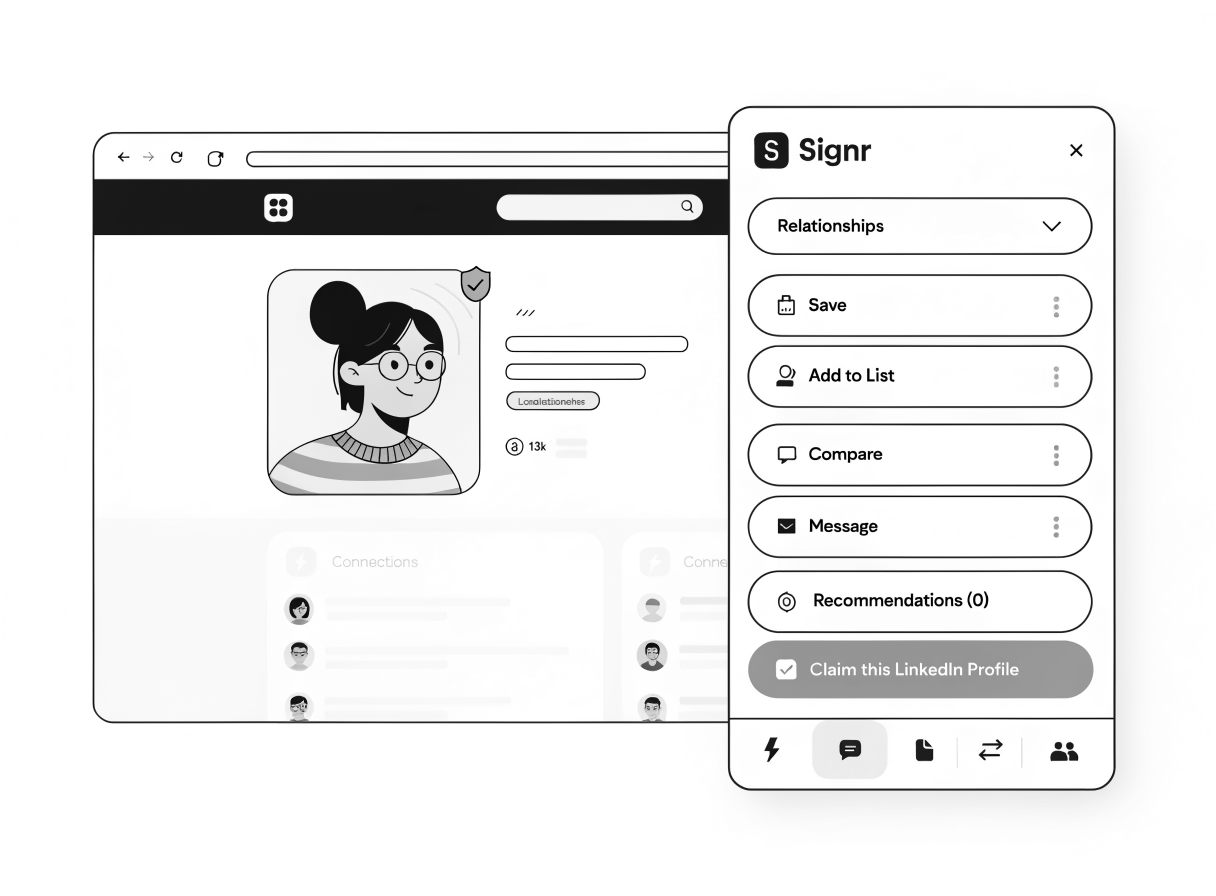
Use your verified status three ways.
When recruiters doubt who's behind a profile, the next step stalls. Browse LinkedIn, send direct messages, and check fit with proof.
Browse LinkedIn with proof
Keep verification visible right on the page while you browse profiles, jobs, and company pages.
Send a direct message
Start a direct message right on the page, no paywall or InMail credits.
Check fit with proof
Every score links to a detail, so you can show why a match makes sense.
Choose when to use verification.
The badge proves you control your LinkedIn profile, so recruiters and candidates know they're talking to the real you.
Install and verify your LinkedIn profile.
Quick setup shows your verified badge in the Signr overlay on your LinkedIn profile.